

Pametna naplata za solarije
Unaprijedite svoj solarij uz sustav pametne naplate putem samoposlužnog uređaja, web aplikacije i modernih načina plaćanja.
Self-service payment terminal
Intuitive touch screen, app with simple user instructions.
Flexible payment
Card payment
By scanning the QR code
One-time PIN
RFID for known users
Additional option: coins
Fiscalization
Automatic issuance
account in accordance with
by law.
Web application
Clear insight into all important data in one place.
Transaction overview
Daily reports on traffic, billing and usage.
Remote support
System updates and remote technical support.
One device
more payment options
Samoposlužni naplatni uređaj omogućuje jednostavnu i potpuno automatiziranu naplatu korištenja samoposlužnih solarija.
Sustav je prilagodljiv različitim vrstama objekta i poslovnim modelima te podržava više različitih metoda plaćanja.
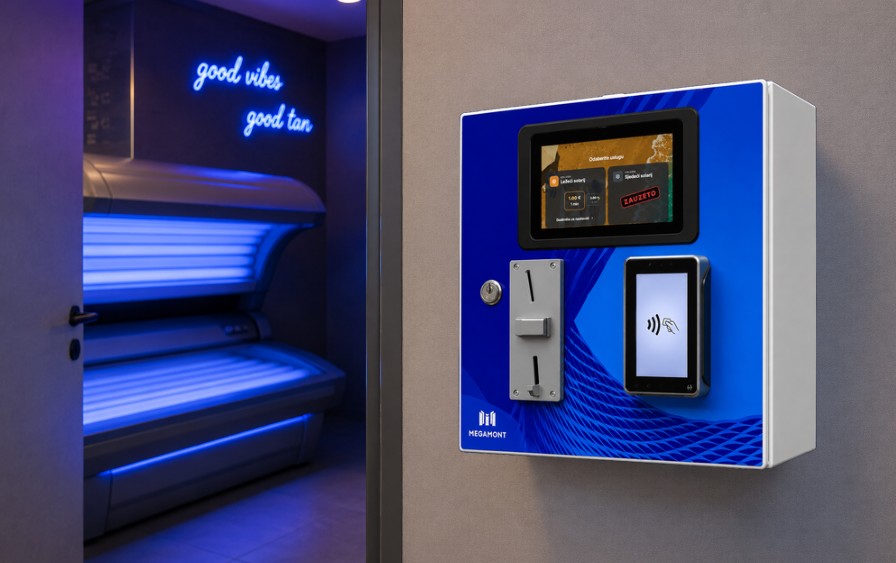
Card payment
Card and contactless payment via an integrated POS device.
QR code for payment
The QR code for paying for the service is displayed on the screen - the user scans it with a mobile phone.
One-time PIN
Entering a one-time access PIN issued by the reception.
Cash
Cash payment is available as an additional option; a coin acceptor can be installed.
Issuing R1 invoices
For business users, it is also possible to issue an R1 invoice, which the user receives via email.
RFID passes
Free passage with RFID card scanning for subscribers, facility staff, etc.
Hardware
Ovisno o načinu korištenja i željenim metodama plaćanja, samoposlužni naplatni uređaji mogu se opremiti POS terminalom za kartično plaćanje, žetonjerom za prihvat kovanica, RFID čitačem kartica ili kombinacijom različitih komponenti, čime omogućujemo fleksibilno rješenje za različite vrste samoposlužnih objekata.
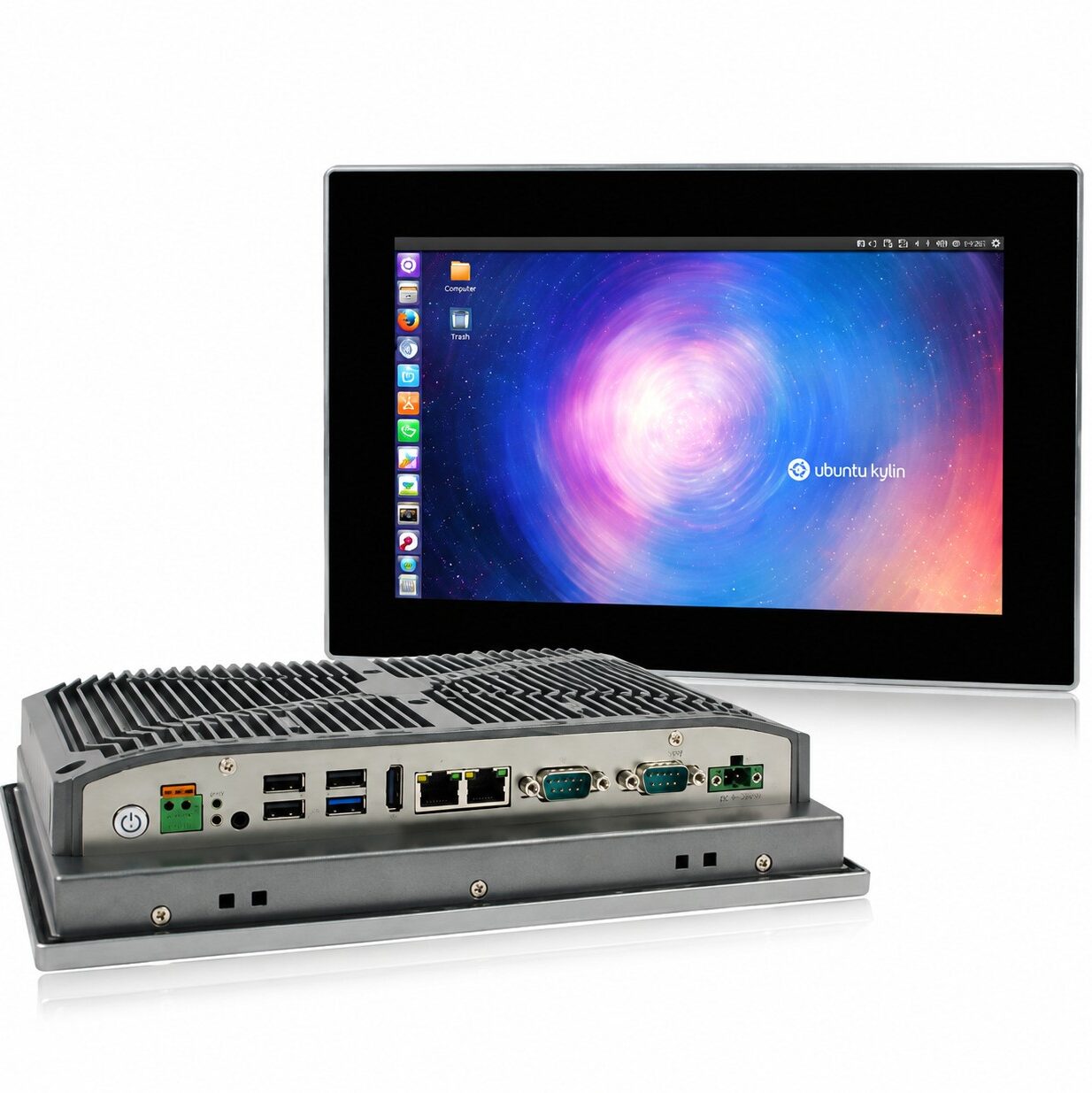
Zaslon na dodir
Pouzdano i ekonomično industrijsko panelno računalo s niskom potrošnjom energije, opremljeno industrijskim LED zaslonom i ravnim dodirnim zaslonom sa stupnjem zaštite IP65.
Zaslon: 10″ TFT LCD
Rezolucija: 1280 × 800
Stupanj zaštite: IP65
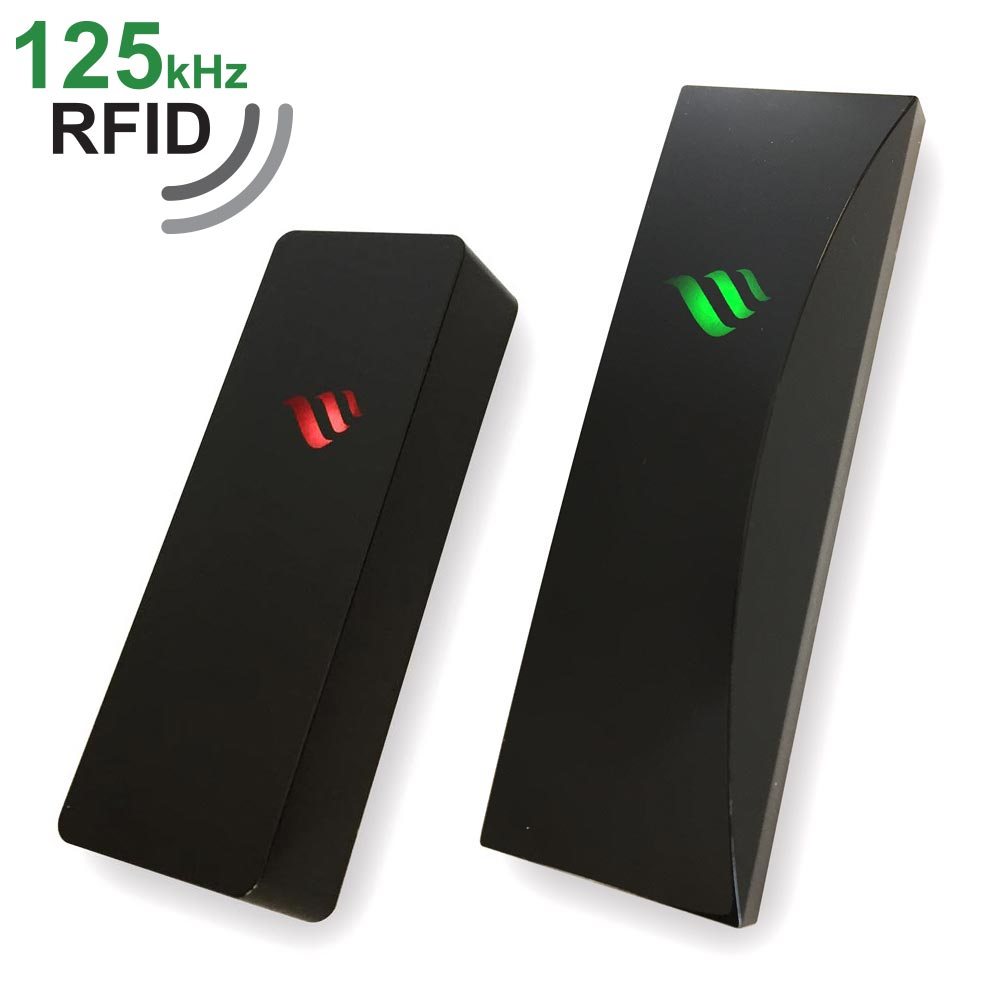
RFID čitač
RFID tehnologija omogućuje jednostavno očitavanje identifikacijskih kartica čime se olakšava kontrola pristupa i povećava praktičnost svakodnevnog korištenja.
Namijenjeno pretplatnicima, osoblju objekta i sl.
Zahvaljujući kućištu otpornom na vremenske uvjete, prikladni su za unutarnju i vanjsku primjenu.
Domet očitanja: do 9 cm
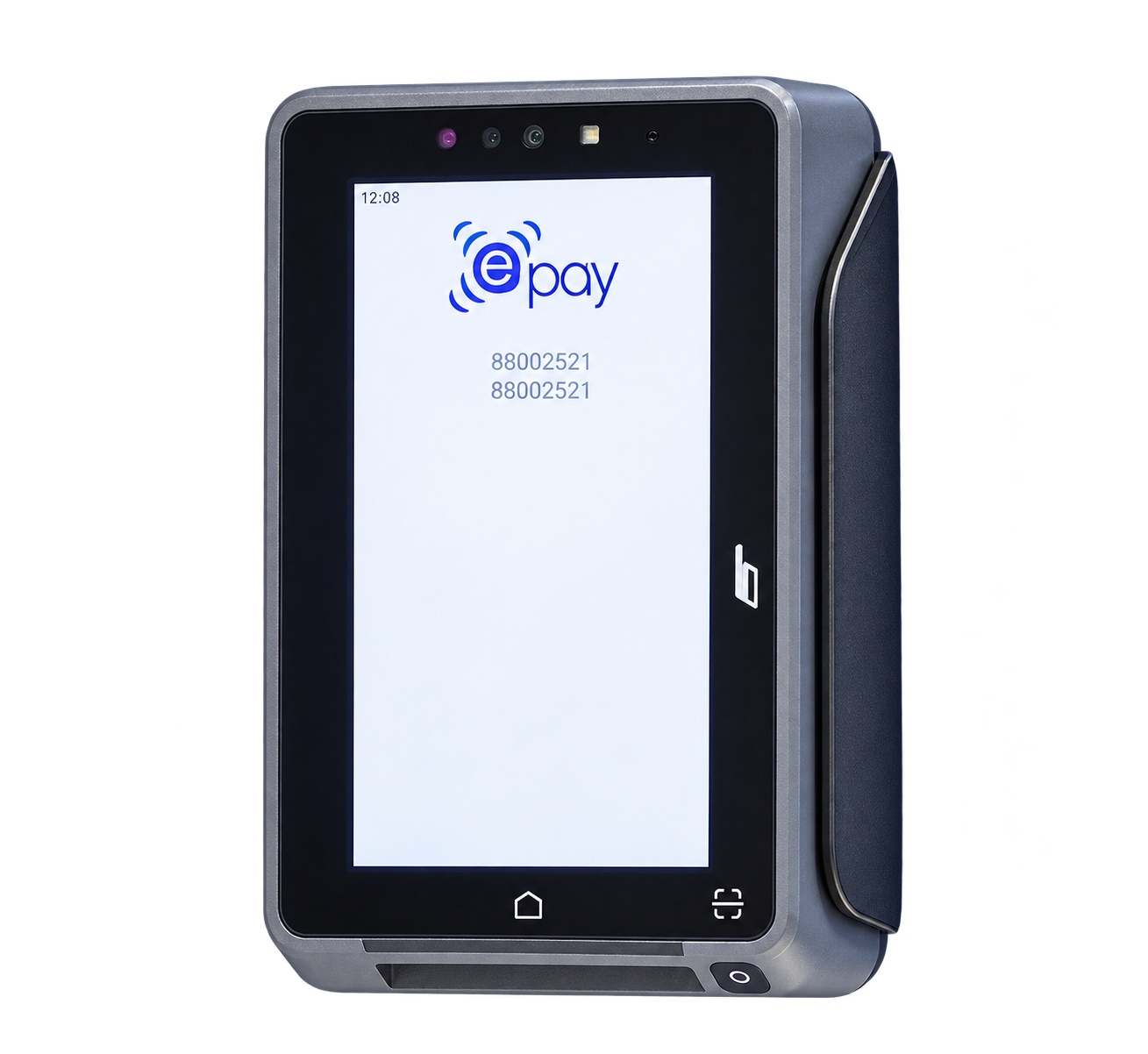
POS uređaj
Brzo, jednostavno i sigurno bezgotovinsko plaćanje bankovnim karticama i drugim beskontaktnim metodama, uz mogućnost integracije u različite samoposlužne sustave naplate.
Podržana plaćanja: sve standardne metode, uključujući beskontaktne
kartice (NFC), čip kartice (IC), kartice s magnetskom trakom te 1D i 2D
kodove (QR kodove) putem namjenske kamere.
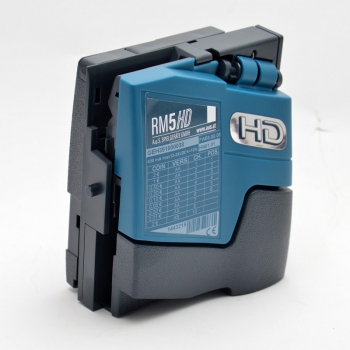
Prihvat kovanica
Elektronički uređaj za prihvat i prepoznavanje kovanica, namijenjen integraciji u samoposlužne naplatne sustave.
Zahvaljujući naprednoj tehnologiji s pet senzora i deset parametara provjere, omogućuje brzo i precizno prepoznavanje kovanica uz visoku razinu zaštite od prijevara.
Modularna izvedba omogućuje jednostavnu integraciju u različite vrste samoposlužnih uređaja i sustava naplate.
From selection to the start of service
in just a few steps
Intuitivno korisničko sučelje vodi korisnika kroz cijeli postupak – od odabira usluge i naplate do automatskog pokretanja odabranog solarija.
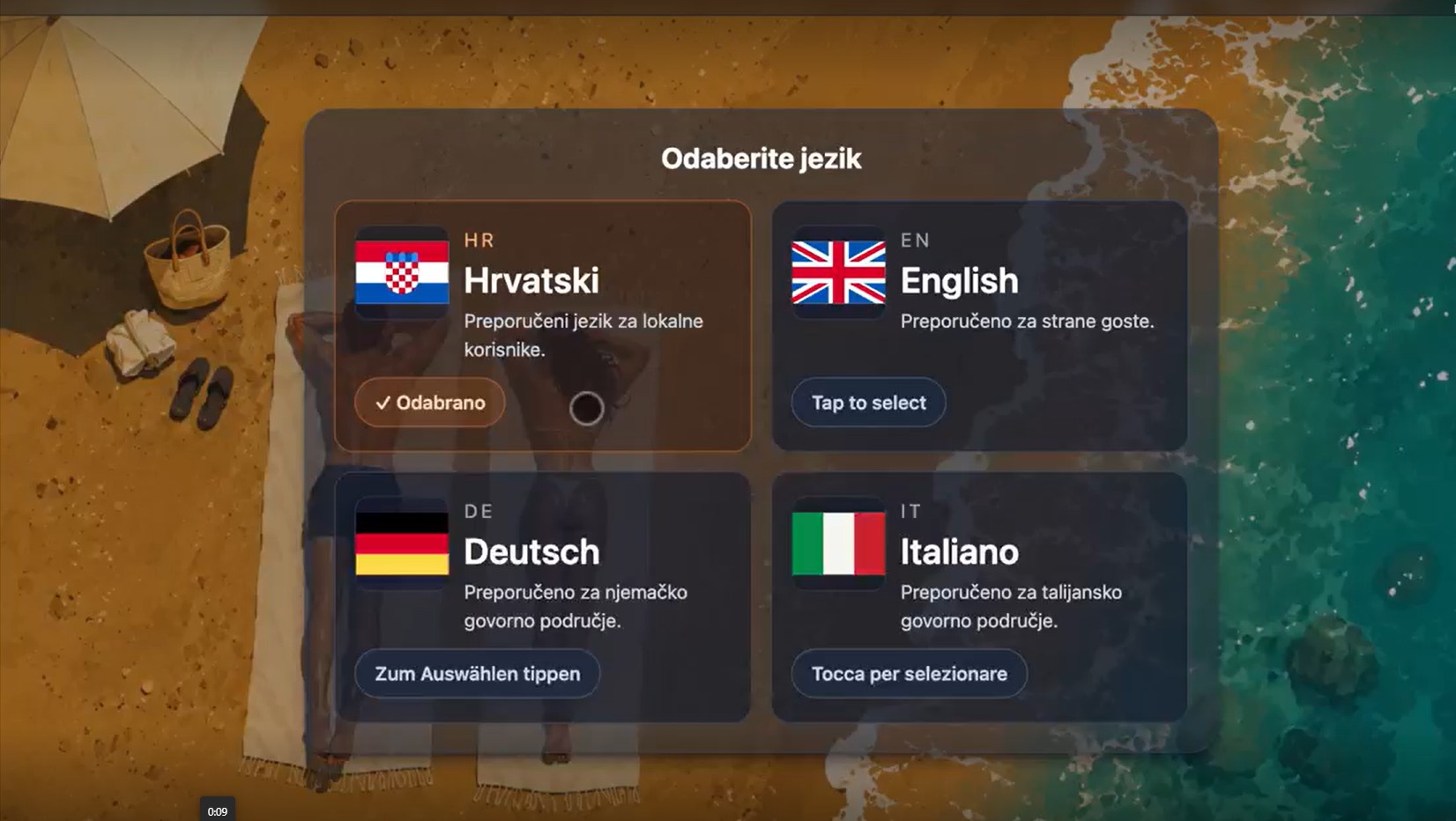
1. Multilingual interface
Simple language selection enables intuitive use in both domestic and foreign languages. After selecting the language, the user continues to the next step.
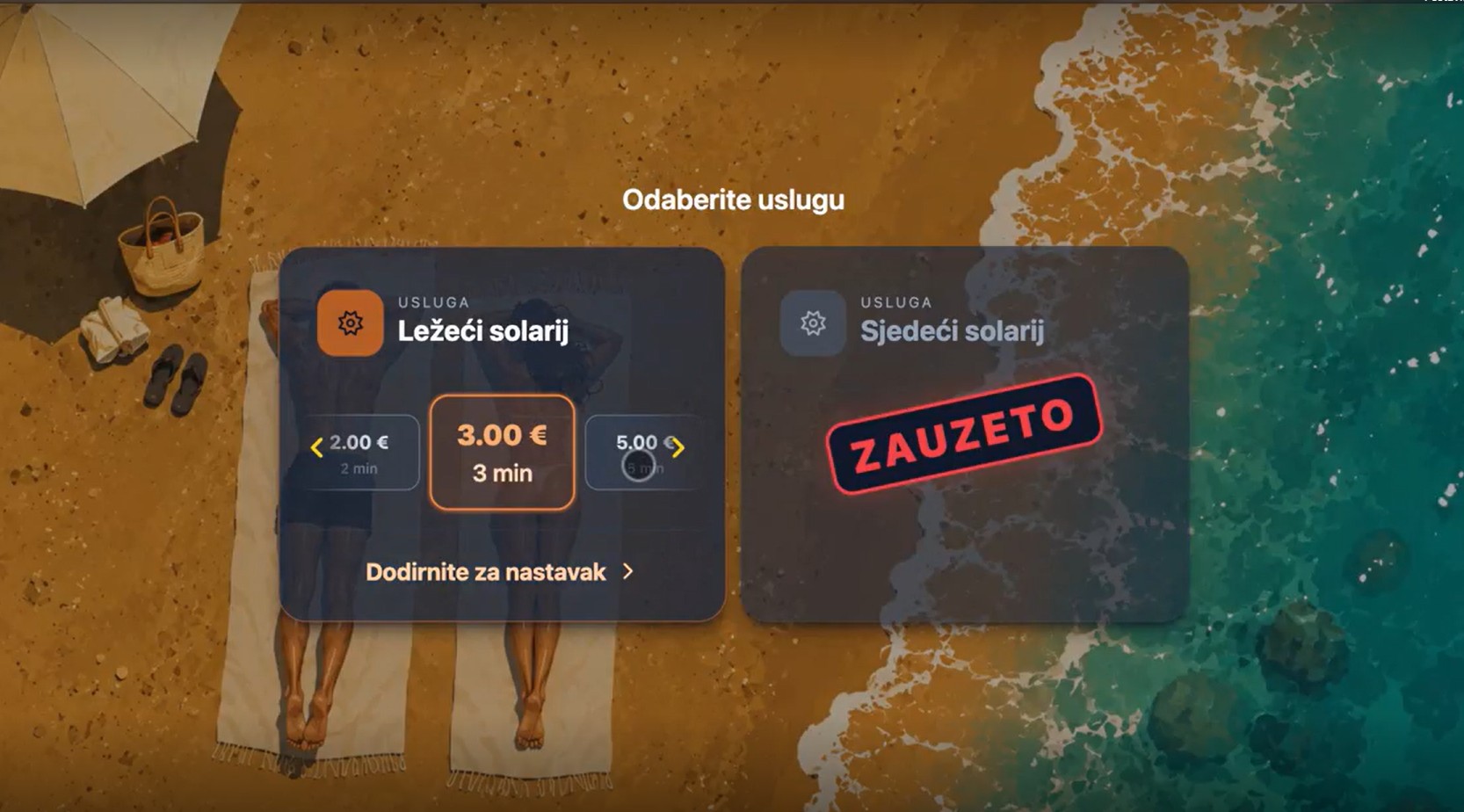
2. Service selection
Na sučelju su prikazane dostupne usluge. Jasno je naznačeno koji solarij je slobodan, a koji zauzet u određenom trenutku. Korisnik odabire željeni solarij i vrijeme korištenja te nastavlja na sljedeći korak.
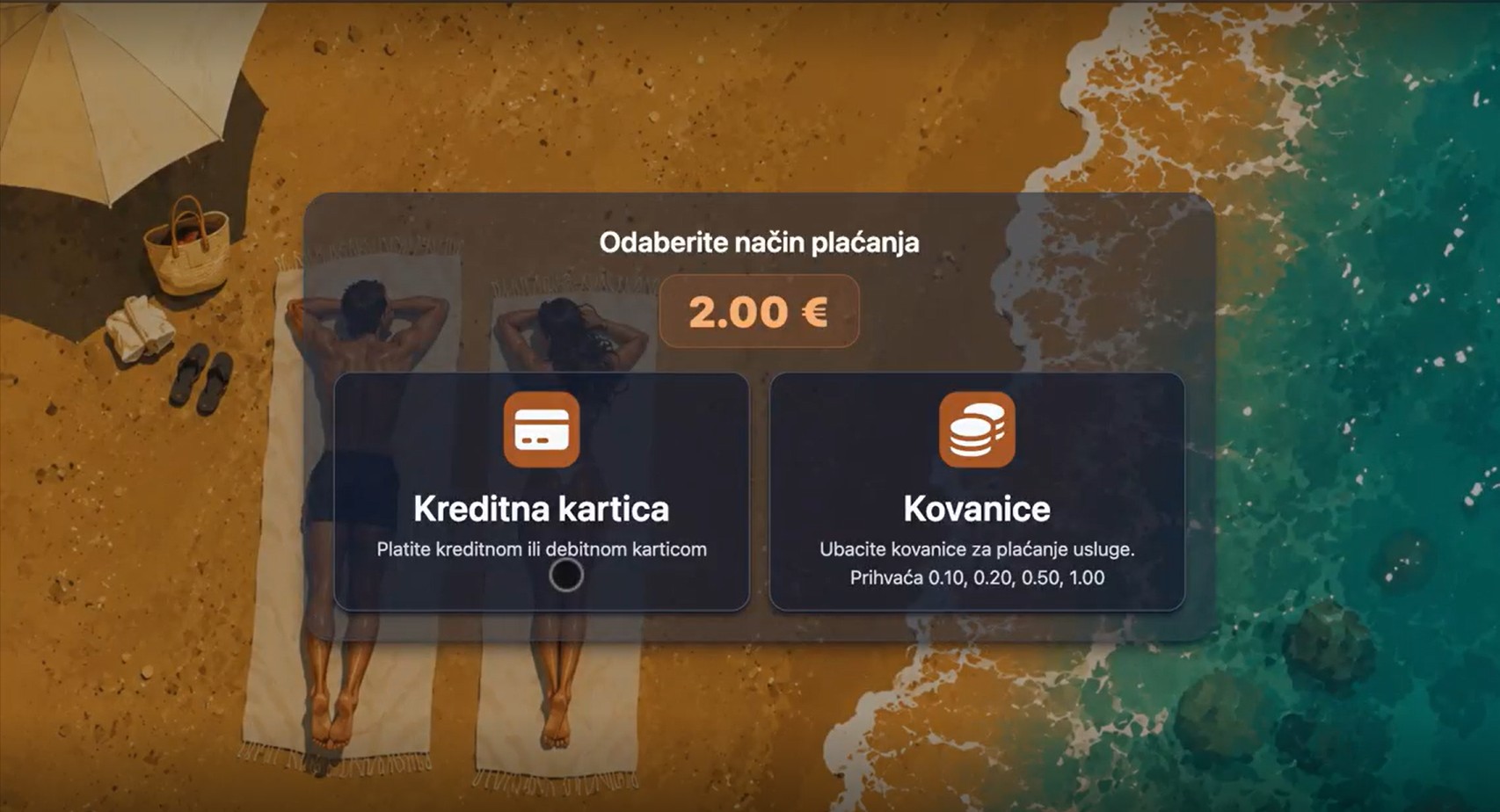
3. Plaćanje
U ovom koraku korisnik odabire jedan od ponuđenih načina plaćanja. Prilikom plaćanja na ekranu su jasno prikazane upute koje vode korisnika kroz proces naplate, ovisno koja metoda je
odabrana.
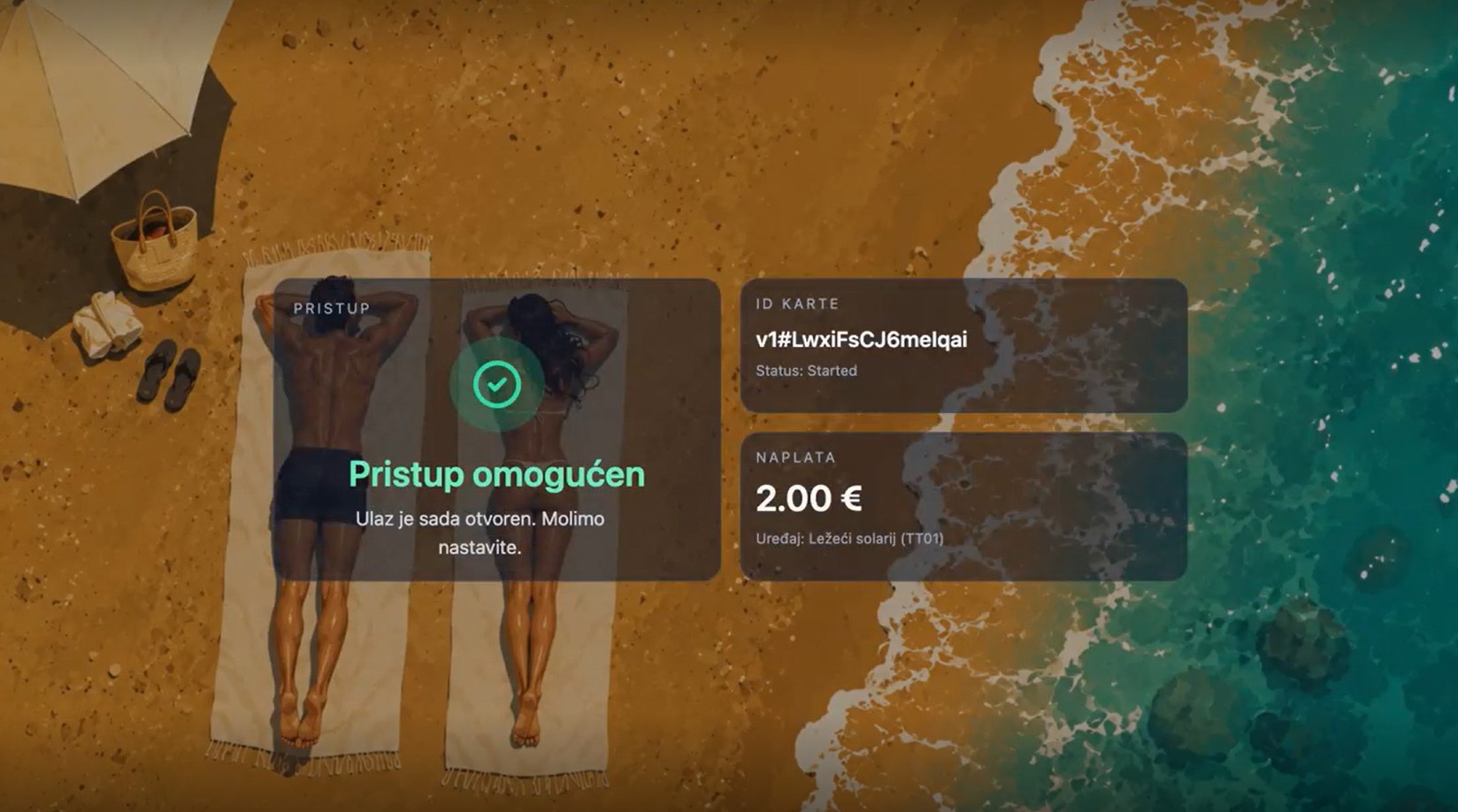
4. Start of service
Nakon uspješne naplate usluga se automatski aktivira.
With daily traffic reports
to better insight into business
The integrated software enables simple billing, automatic fiscalization and review of traffic through daily reports in the web application, ensuring complete control over the business.
Automatic fiscalization
Every successfully completed transaction is automatically taxed according to applicable regulations.
Web application
All transactions and relevant fiscalization data are available to the responsible staff in the web application 24/7.
Traffic reports
Daily traffic reports enable a more transparent insight into business operations and better planning.